
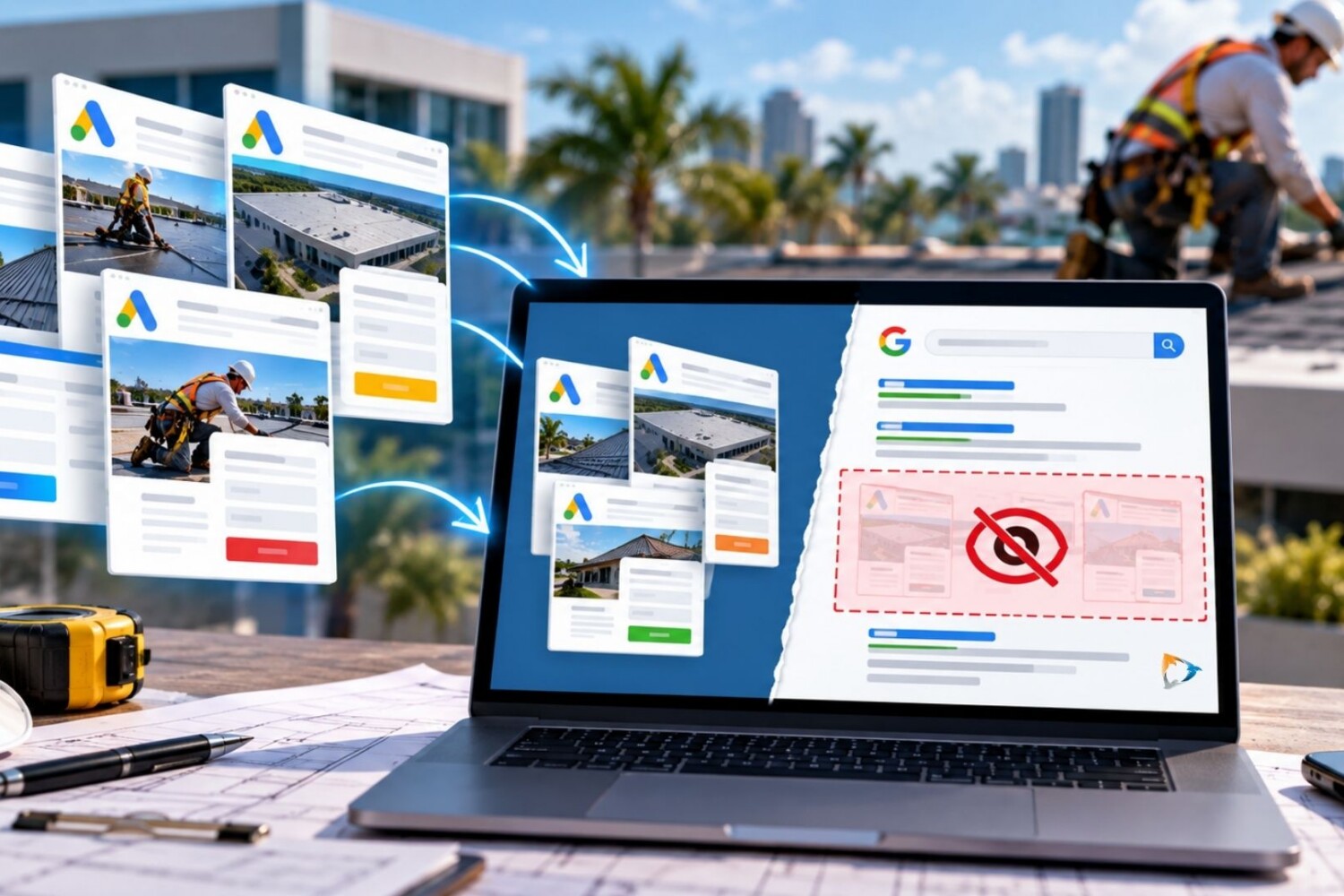
Contractor PPC Landing Pages: How Noindex Tags Can Prevent SEO Problems
For roofing, HVAC, solar, plumbing, electrical, and other contractors, Google Ads often requires creating multiple landing pages for different services, locations, and campaigns.
You might have one landing page for commercial roof repair in Miami, another for reroofing in Fort Lauderdale, and another for emergency roofing leads across South Florida.
These pages can be extremely useful for paid advertising. But there’s a commonly overlooked WordPress maintenance issue: Should all of these PPC landing pages also appear in organic search results?
If indexing settings aren’t reviewed when landing pages are published, Google may discover PPC pages alongside the contractor’s primary service and location pages. Over time, this can create duplicate or near-duplicate content, competing URLs, outdated campaign pages, and a confusing organic search structure.
At ThreeBird Creative, this is one of the technical SEO items we recommend contractors review as part of ongoing WordPress maintenance.
Why Contractors Create So Many PPC Landing Pages
Contractor advertising campaigns are often highly targeted.
A roofing company, for example, might advertise commercial roof repair, emergency leak service, roof replacement, preventative maintenance, metal roofing, and other services.
Those campaigns may then be divided by geographic market.
A Florida contractor could end up with landing pages targeting:
- Miami Commercial Roof Repair
- Fort Lauderdale Commercial Roofing
- West Palm Beach Roof Replacement
- Boca Raton Emergency Roof Repair
- Orlando Commercial Roofing
- Jacksonville Commercial Roof Maintenance
Creating dedicated landing pages can make sense for paid search because the page can closely match the keyword, advertisement, location, and service being promoted.
The problem occurs when nobody determines whether those campaign pages should also participate in organic search.
PPC Landing Pages Can Accidentally Compete With Your SEO Pages
Imagine a roofing contractor already has a strong organic page at:
/commercial-roofing/
The company’s PPC team then creates:
/commercial-roofing-google-ads/
Both pages discuss the same company, roofing systems, repair capabilities, geographic service area, warranties, experience, and contact information.
If both URLs are indexable, Google now has multiple pages covering substantially similar topics and search intent.
This becomes even more complicated when contractors have separate SEO and PPC agencies. The SEO company may be optimizing one page while the advertising company continues creating new landing pages targeting the same services and cities.
Google provides guidance for website owners on managing duplicate URLs and canonicalization.
The better approach is to decide intentionally which URLs are part of your contractor SEO strategy and which exist primarily to convert paid traffic.
Duplicate Content Isn’t the Only Concern
The issue isn’t simply that Google will “penalize” a contractor because two pages contain similar information. That’s an oversimplification of how duplicate content works.
The bigger concern is creating an unnecessarily complicated website structure.
For example, a roofing contractor might eventually have:
- A primary commercial roofing service page
- A Miami commercial roofing SEO page
- A Miami commercial roofing PPC page
- An older Miami Google Ads landing page
- A commercial roofing campaign test page
- A previous agency’s landing page that’s still live
Multiply that across five services and ten cities, and the website can quickly accumulate dozens of overlapping URLs.
That’s why contractors running long-term PPC campaigns should periodically audit the landing pages that have accumulated in WordPress.
What Does Noindex Mean?
A noindex directive tells search engines that a page should not appear in search results.
Google explains how website owners can use noindex in its official documentation on controlling search indexing.
For a contractor landing page created exclusively for Google Ads, noindex may be appropriate when there is already another page on the website intended to rank organically for that service or location.
This allows the contractor to keep using a specialized PPC landing page without necessarily having that page compete with the main SEO page.
Noindex and Nofollow Are Different
This distinction is particularly important when configuring WordPress landing pages.
Noindex relates to whether the page should appear in search results.
Nofollow relates to how search engines treat links on the page.
They aren’t interchangeable.
For many PPC-only contractor landing pages, a configuration such as noindex, follow may make more sense than automatically using noindex and nofollow together.
This keeps the campaign page itself out of search results while still allowing search engines to discover links from that page.
There is no universal setting for every contractor website. The correct configuration depends on the purpose of the landing page and the overall website structure.
How Contractors Can Set PPC Pages to Noindex With Yoast SEO
For contractor websites using WordPress and Yoast SEO, search visibility can be controlled at the individual page level.
When publishing or reviewing a PPC-only landing page, open the page in WordPress and review the advanced Yoast SEO settings.
Look for the setting that controls whether search engines should be allowed to show the page in search results.
If the page has intentionally been designated as PPC-only, that setting can be changed to prevent the page from appearing in search results.
The page’s robots directive should then include:
noindex
Whether links on the page should be followed should be reviewed separately rather than automatically setting every PPC page to nofollow.
What About Contractor Location Pages?
This is where contractors need to be especially careful.
Location pages can be valuable for organic SEO when they contain useful, location-specific information and are intentionally built to serve customers in that market.
For example, a roofing contractor might have an established SEO page targeting commercial roofing services in Miami. That page could contain information about local projects, service capabilities, building types, roofing systems, photos, testimonials, and other useful information.
A Google Ads campaign targeting Miami might use a separate, conversion-focused page with a shorter message, fewer navigation options, a prominent phone number, and a lead form.
The PPC page doesn’t necessarily need to replace or compete with the SEO page.
One can be optimized for organic search and long-term visibility, while the other is optimized for paid advertising and lead conversion.
Don’t Automatically Noindex Every Contractor Landing Page
Noindex shouldn’t become a blanket rule for every landing page on a contractor website.
Some landing pages may actually be valuable organic search assets.
A detailed page about commercial roofing in Orlando, for example, may deserve to be indexed if it contains unique information and is intentionally part of the contractor’s SEO strategy.
The question should be:
Was this page created to rank organically, convert paid traffic, or both?
If nobody can answer that question, the website probably needs an SEO and landing-page audit.
Don’t Block a Noindex Page in Robots.txt
Another technical mistake is attempting to keep a PPC page out of Google by blocking it through robots.txt while also relying on a noindex directive.
Google needs to be able to crawl the page to discover its noindex instruction. If crawling is blocked, Google may not see that directive.
For most contractors, these technical settings should be handled by whoever manages the website’s SEO and development rather than changed without understanding how they interact.
Old PPC Campaigns Can Leave Behind Years of Landing Pages
This is particularly important for established contractors.
A roofing, HVAC, plumbing, or construction company may have worked with several advertising agencies over five or ten years.
Each agency may have created new campaign pages.
Some campaigns ended years ago, but their landing pages may still exist.
A contractor’s WordPress website can eventually contain pages for:
- Expired promotions
- Old Google Ads campaigns
- Previous service areas
- Old phone tracking numbers
- Previous agencies’ test pages
- Duplicate service pages
- Old form-testing pages
- Unused landing-page templates
Some may still be indexed by search engines. Others may be included in XML sitemaps or linked from somewhere within the website.
This is why PPC landing-page cleanup should become part of routine contractor website maintenance.
What Should Contractors Audit?
If your company has been running Google Ads for several years, start by creating an inventory of your existing landing pages.
Review:
- Which PPC landing pages are currently live
- Which pages are still being used by active campaigns
- Which pages are indexable
- Which pages currently appear in Google
- Whether PPC pages overlap with SEO service pages
- Whether PPC pages overlap with location pages
- Yoast robots settings
- Canonical URLs
- XML sitemap inclusion
- Internal links to campaign pages
- Old campaign tracking numbers
- Expired offers and outdated content
- Old agency and campaign test pages
The solution isn’t necessarily to delete everything.
Some pages should remain active for PPC. Some may deserve to become permanent SEO pages. Others may need to be noindexed, redirected, consolidated, updated, or removed.
SEO and PPC Teams Need to Work From the Same Website Strategy
One of the most common problems we see with contractor marketing is that paid search, SEO, website development, and internal marketing are treated as completely separate activities.
They aren’t.
Your Google Ads team is sending traffic to your website. Your SEO team is trying to get pages ranked. Your internal marketing team is publishing content. Your web developer is managing the underlying WordPress installation.
Every team is working on the same digital property.
If each group creates pages without understanding what the others are doing, a contractor website can become unnecessarily complicated over time.
A simple publishing process can help prevent this.
Before launching a new contractor landing page, determine its purpose, target service, geographic market, primary traffic source, indexing status, canonical settings, tracking requirements, and long-term plan.
Make Search Indexing Part of Contractor Website Maintenance
Contractor website maintenance should go beyond updating WordPress plugins and checking whether forms work.
As your company adds services, enters new markets, increases Google Ads budgets, and creates more landing pages, the underlying search structure needs maintenance too.
A small Yoast SEO setting can determine whether a campaign page becomes eligible to appear alongside the pages you’ve invested significant time and money into ranking organically.
The goal isn’t to noindex every PPC landing page. The goal is to make sure every page has a defined purpose.
For roofing, HVAC, solar, plumbing, electrical, and other contractors with years of digital marketing campaigns behind them, reviewing old landing pages can be an important part of cleaning up and strengthening the overall website.
Contact ThreeBird Creative for contractor website maintenance, WordPress support, technical SEO, Google Ads landing-page reviews, and ongoing digital marketing support.